Post your setup!
Off topic → Other → Post your setup!

“[Nyx’s computer] Starting windows XP 0.01 beta”

@Mr_RedSheep wut @ScienceRedstone yes
hahaha

Just ordered a new keyboard for my setup :D

Here’s my new and updated setup!
![Dual Monitor Display] (https://i.imgur.com/2jdLMWJ.png)
I moved my computer to a more roomy area. I also replaced the smaller monitor with a new BenQ RL2455HM 1080p monitor. That’s pretty much it.

@ScienceRedstone Ew your keyboard is horrible ;-;
Anybody got suggestio- nvm fuck that new post
@PyjamaL1ama Yes. Yes it is.
TBH this keyboard is just about the same as the newest keyboard I have. Besides, it uses a PS2 connection and I like the sound that it makes.
Sound? Take my sound away pls.

2blurry4me

So I recently made quite a few updates to my setup.
Above the desk:
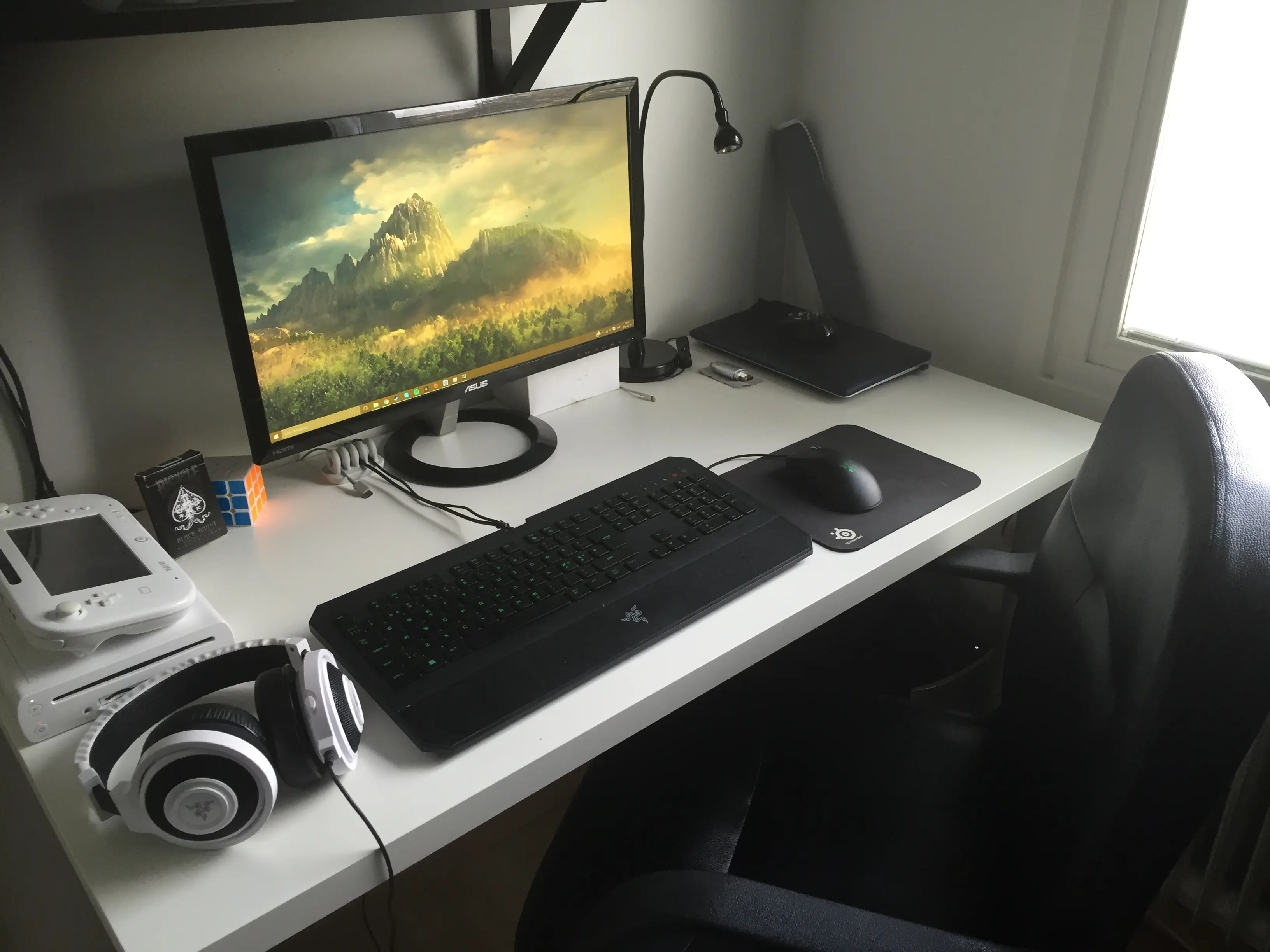
So, basically, I got a new and bigger desk and rearranged my peripherals and all that shit.
Under the desk:
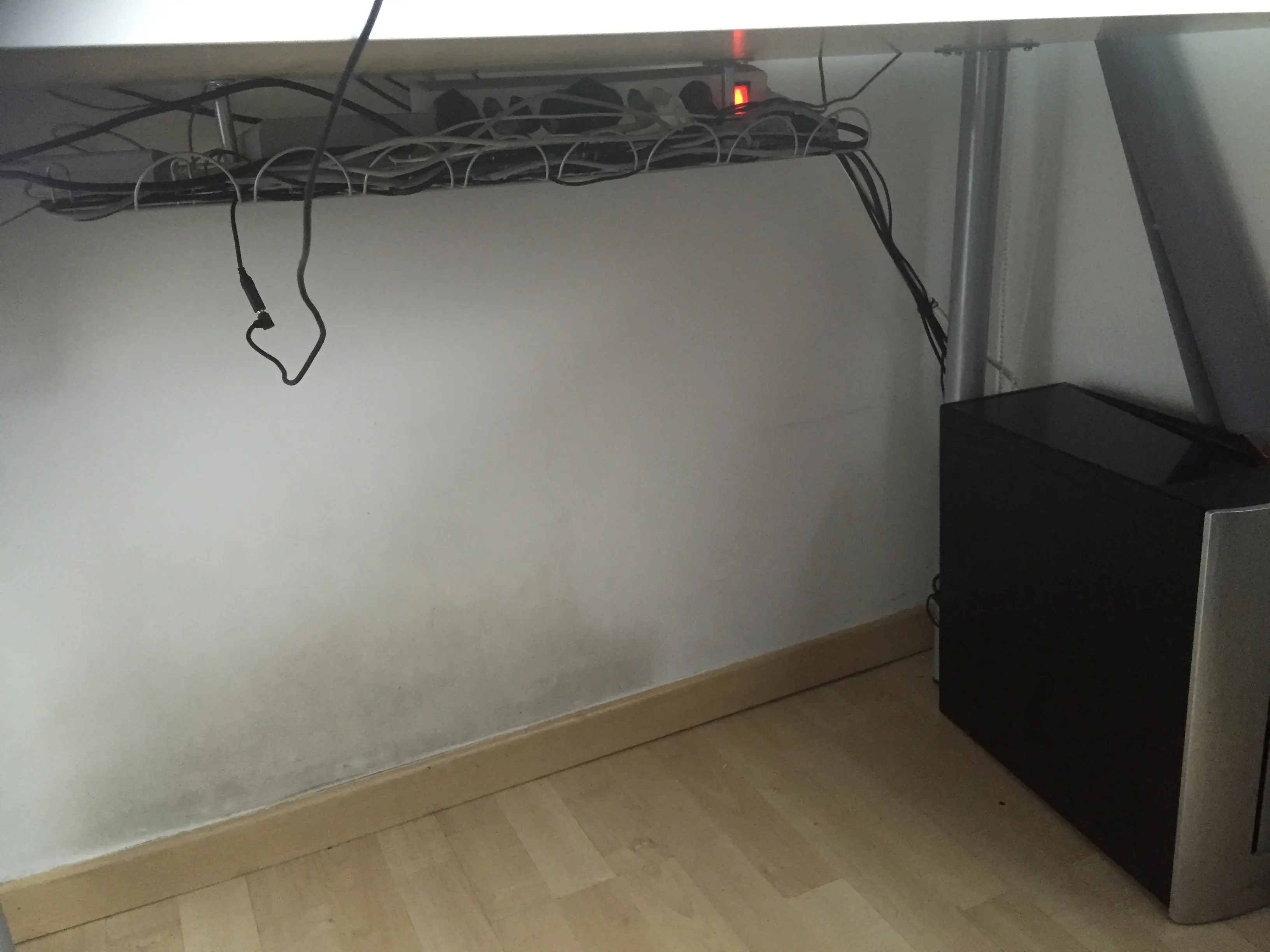
Basically just cable management and my PC which I got on my birthday. I’m pretty happy with the cables. But yea, anyway, onto specs?
Heart of the pc is the new i7 6700 Skylake CPU, together with 16gb of RAM. For running all the games I have the GTX 970 which is more than enough for my needs lol. Boot drive is a 128gb SSD and then I have a 1tb HDD for mass storage.
clean the wall
@Nyxis lol I totally forgot to mention that.. I have no idea how it ended up so dirty, and it’s really hard to get rid of. I used to have the same kind of dust by and even above my old bed, but I’ll give it a cleaning when I’m free.
@SebTheSir your wires look very organized, however the headphone cable drives me mad xD
@CookieRedstone haha I know.. I mean it’s nothing you see from above the desk, but for the sake of it I might mount some cabledrops underneath the table to hold the wire up. Might also get some velcros to run the wires from the computer by the table leg, and even get one of those cablehiding things for the cables from the TV (although I’ll move it later). Aesthetics are really important to me lol.
you can also drill a hole in your desk, under the keyboard, and run the wires through there, easier said then done however.
@CookieRedstone I had that in thought, but I’ll wait with that a bit, when I’m sure about all the positions of everything.
I wouldn’t drill a hole it ruins the perfect smoothness and whiteness of the table ;-;
@ScienceRedstone
under the keyboard

Jomo’s PC Specs:
128GB DDR5 RAM 3 Kermit GTX x5962 HD Titan XXX Runs High graphic games at 800+ FPS 36 CORE Processor 16TB HDD OS: Kermit 10 PRO DVD Super Multi Drive
Sebbe = WII U :D Happens by chance

PRODUCER :Lenovo, LG, AMD
PC SPECS: 12GB DDR3 RAM AMD RADEON 6320 HD GPU 500GB HDD OS WIN 10 AMD DUAL CORE PROCESSOR 1368x720 LG MONITOR
I couldn’t find a image on my pictures folder so I found the same one on Google

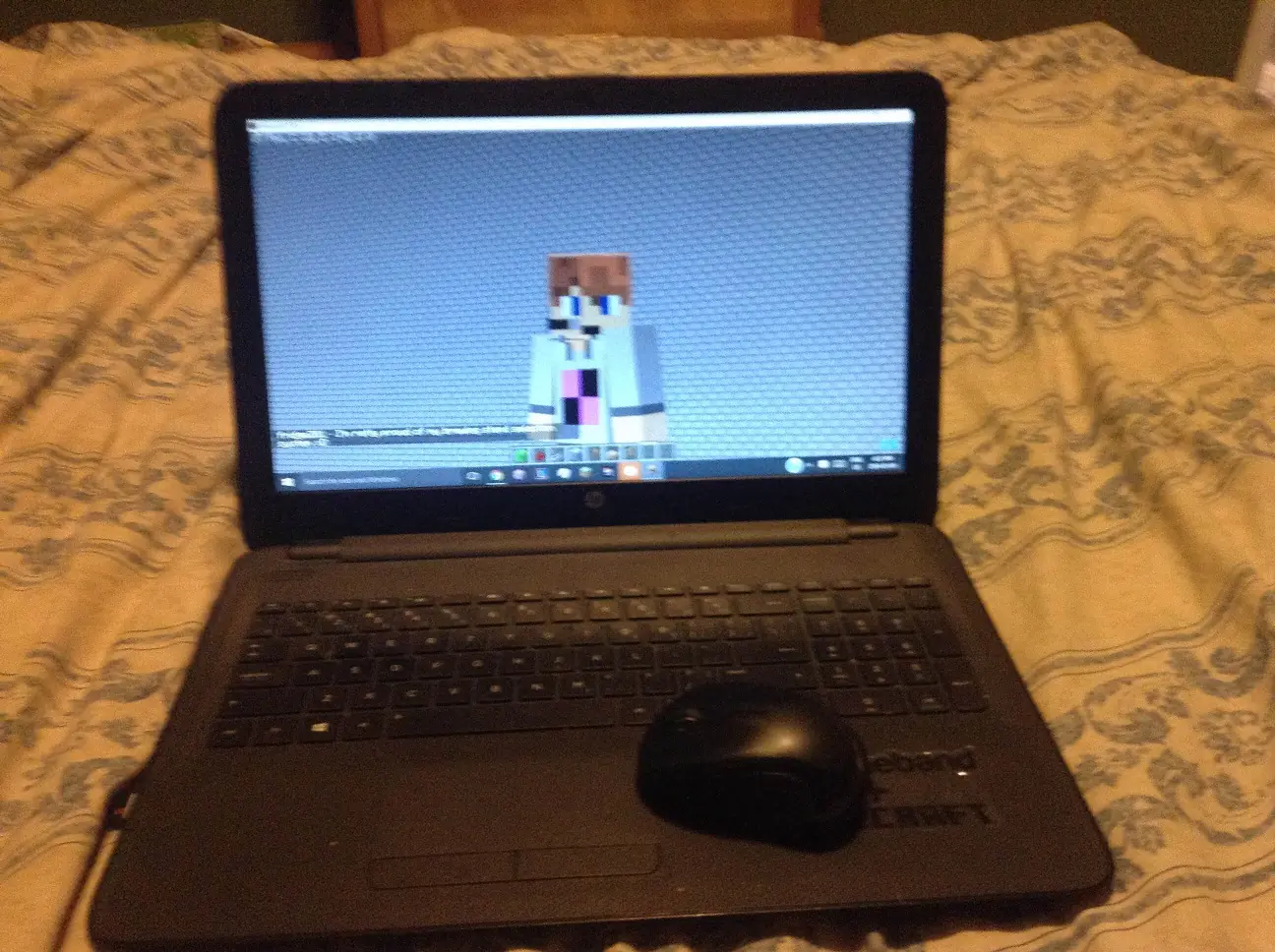
Hehehe gr8 link m8 ;)


My phone camera is crap, so excuse the image quality :P
Someone fix these ;-;
Fixed by Dico

Right so I got my hands on a good camera and thought I would try some photography. As a result I have ended up with a bunch of images of my set-up so I thought I might as well contribute to this thread :P
HP Envy15 QuadCore + Duel Graphics
HP Envy15 QuadCore + Duel Graphics
Blue Snowball ICE black edition
Novation Launchpad S
RAT M Wireless Mouse
Sorry if this is a big post, this was originally me just messing around with a camera remember :P

@KPkiller1671 CUBER
@Hardfg5000 of course :P

Nice KP! You any good at the Launchpad?
 A logal.dev project